

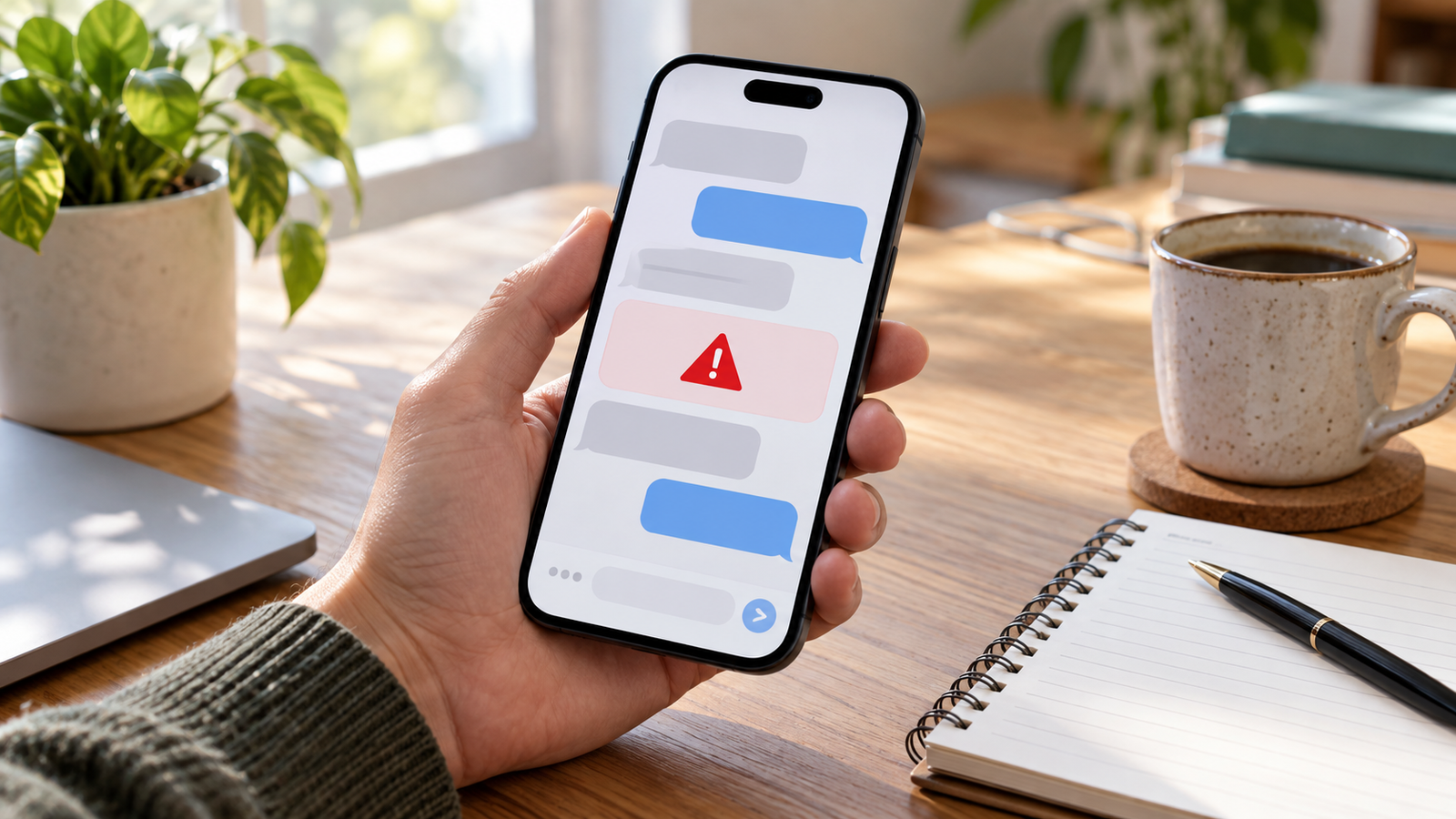
A phishing text message often arrives when you are busy and expecting something else. You may be waiting for a delivery, paying bills or checking a family group chat when a message claims your account needs immediate attention. The safest habit is to pause and verify the claim through a channel you already trust.
Phishing means impersonating a trusted organization or person to obtain information, money or access. When it happens through text messages, it is sometimes called smishing. You do not need to become a cybersecurity specialist to handle a suspicious message. You need a repeatable routine that gives you time to think before acting.
Separate the claim from the message
Imagine a text saying a payment failed. There are two different questions: whether your payment actually failed, and whether this particular message is trustworthy. You can answer the first question by checking your normal account without using the message’s link. That separation is useful because it removes the pressure to decide everything in one hurried moment.
Open an app you already use or type the organization’s known website address yourself. For a financial account, use the contact details on your card or statement. The Federal Trade Commission’s phishing advice recommends contacting the company directly through a known website or phone number rather than acting on an unexpected link.
If the message is about a purchase, review your actual order history. If it concerns an appointment, contact the provider through your saved details. A legitimate issue can still be resolved through an independent channel. You do not need to use the route supplied by an unfamiliar sender.
Look at what the sender wants you to do
A request to enter a password, provide a Social Security number, pay an unexplained charge or disclose account details should make you stop. The FTC’s guidance on spam texts describes fake delivery notices, invoices, prizes and account warnings used to obtain personal or financial information. Some messages lead to imitation websites.
Urgency is another reason to slow down. A message might give you only a few minutes to prevent a penalty or recover an account. Ask yourself whether you expected the contact and whether the requested action makes sense. An alarming sentence does not establish that the sender has authority over your account.
Keep authentication codes private. If someone asks you to repeat a code you just received, do not treat that request as proof they are helping you. Stop the conversation and contact the organization independently. A code sent to your phone is part of an authentication process, not a general identity document for strangers.
Do not rely on appearance alone
Good spelling, a familiar company name and a professional-looking page are not enough to prove legitimacy. Nor does a message become safe simply because it seems relevant to something you recently did. Assess the source and verify the underlying claim rather than trying to judge trustworthiness from tone.
Do not open a suspicious link to investigate it. A long address or a short link can be difficult to interpret on a phone, and you do not need to solve that puzzle to check your account. Avoid replying to an unfamiliar suspicious sender, including with a request to stop. Use your phone’s reporting and blocking controls instead.
A practical verification table
| Message claims | Independent check |
|---|---|
| A bank account has a problem | Open your usual banking app or call the number on your card |
| A package cannot be delivered | Review the order and tracking details you already have |
| A purchase was made in your name | Check your account history through the normal app |
| You won an unexpected prize | Pause and avoid providing payment or personal details |
| An appointment changed | Contact the provider through saved contact information |
These checks are examples of a safer process, not a claim that every notification about those subjects is fraudulent. Real organizations do send messages. The point is that you can verify a meaningful alert without trusting its embedded contact details.
Report the message without engaging
In the US, the FTC recommends forwarding unwanted texts to 7726, using the messaging app’s report-junk or spam option, or submitting a report at ReportFraud.ftc.gov. Follow your phone and provider’s current instructions, then block or delete the message as appropriate.
If the text arrived on a work phone or relates to a workplace account, use your employer’s established reporting process. Do not forward an active suspicious link casually to colleagues. When discussing it with family, describe the pattern or use a screenshot with private details removed so the conversation does not spread sensitive information.
First, stop interacting with the page or sender. Think about what happened: did you merely open a link, enter a password, disclose a payment card or install something? Those situations require different responses. Write down the relevant steps while you remember them, without putting passwords or codes into an ordinary note.
If a password was disclosed, change it through the genuine service and address other accounts where you reused it. If financial information was shared, promptly contact the bank or card issuer using verified details. The FTC directs people whose sensitive identity information may have been stolen to IdentityTheft.gov for a recovery plan. Follow your device maker’s official guidance if you downloaded unfamiliar software.
Make the pause a household habit
Agree that anyone can ask for a second opinion before acting on an alarming text. Avoid making someone feel embarrassed for being uncertain or for clicking; a calm conversation makes it easier to respond quickly. Keep trusted contact routes readily available so checking a claim does not feel like a complicated project.
For related shopping risks, read Hubpots’ guide to spotting fake online stores. Our article on identity validation and digital security provides additional background. The everyday routine is simple: pause, verify separately, protect private information and report suspicious contact.


